.avif)
.avif)
.avif)
.avif)
.avif)
Photograph the marking
Fill the frame with the IC top mark or package silk-screen. Avoid heavy glare and keep text readable — the same way you’d ask a colleague “what is this marking?”
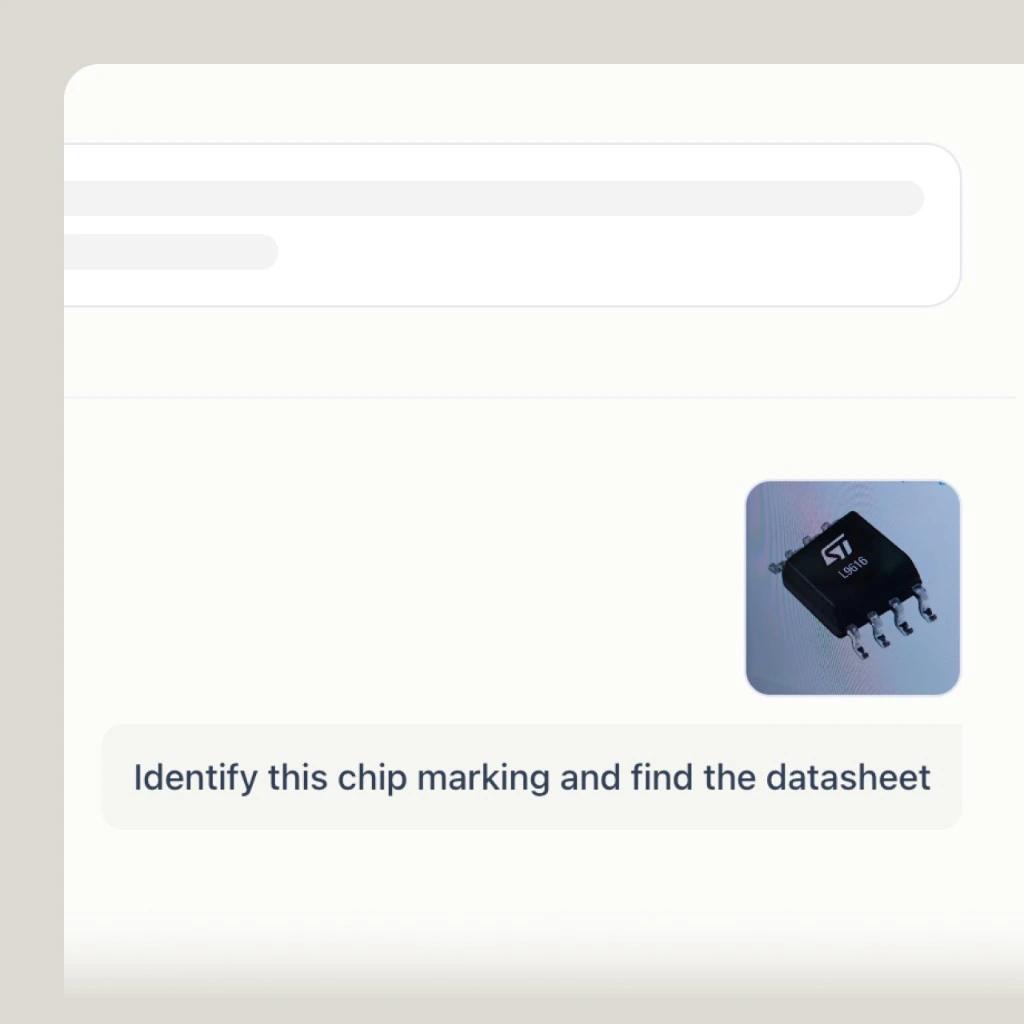

Chip Marking Lookup
Snap a clear photo of an IC silk-screen or top marking. PartGenie reads visible text, suggests candidate MPNs, and helps you open the datasheet — without promising authenticity certification.
Drop a chip photo here
PNG, JPG, or WebP of a clear marking. We’ll open chat to identify the part.
PNG / JPG / WebP · Max 25 MB · Clear focus works best


















Fill the frame with the IC top mark or package silk-screen. Avoid heavy glare and keep text readable — the same way you’d ask a colleague “what is this marking?”
PartGenie uses the same image chat path as the app: it reads visible text, proposes likely manufacturer part numbers, and links into the catalog for follow-up.
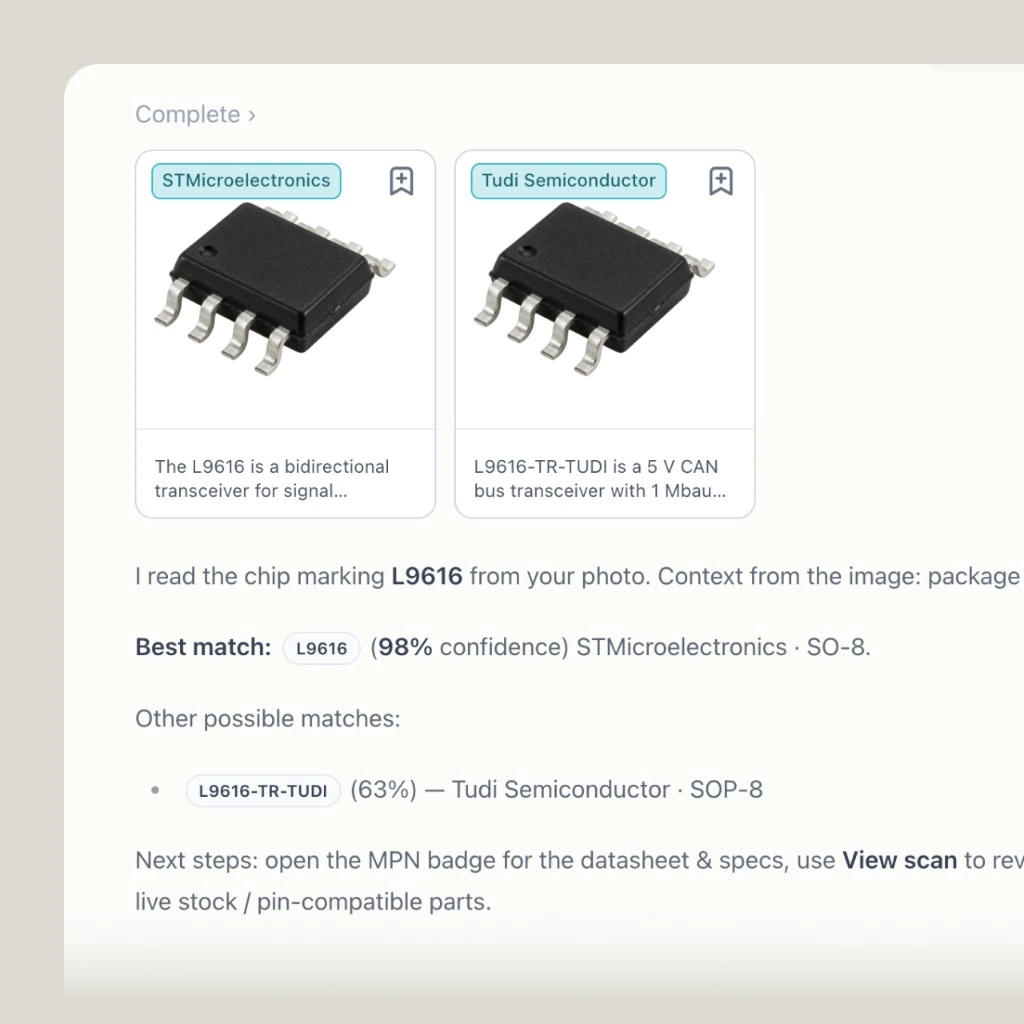
Continue in chat to pull datasheet context, pinout questions, or hand off to Alternative Finder when you already know the MPN and need a replacement.
Use Cases
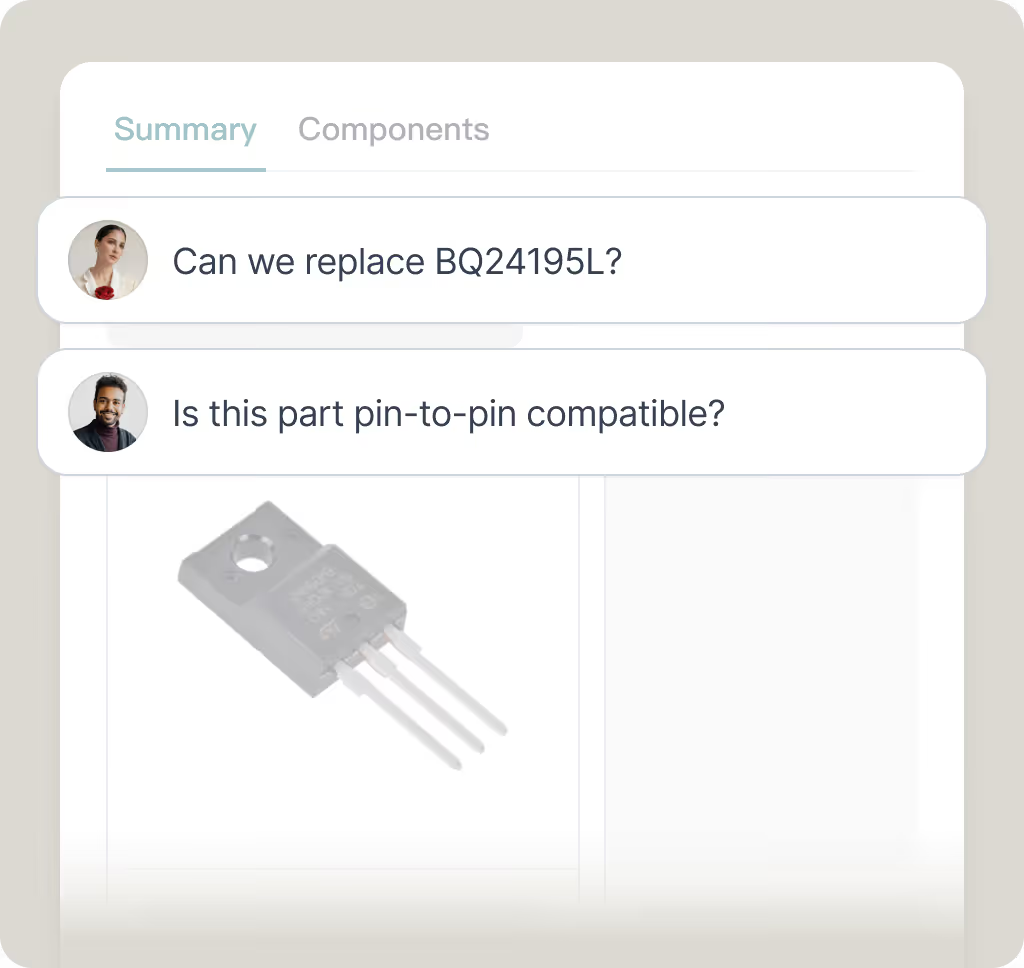
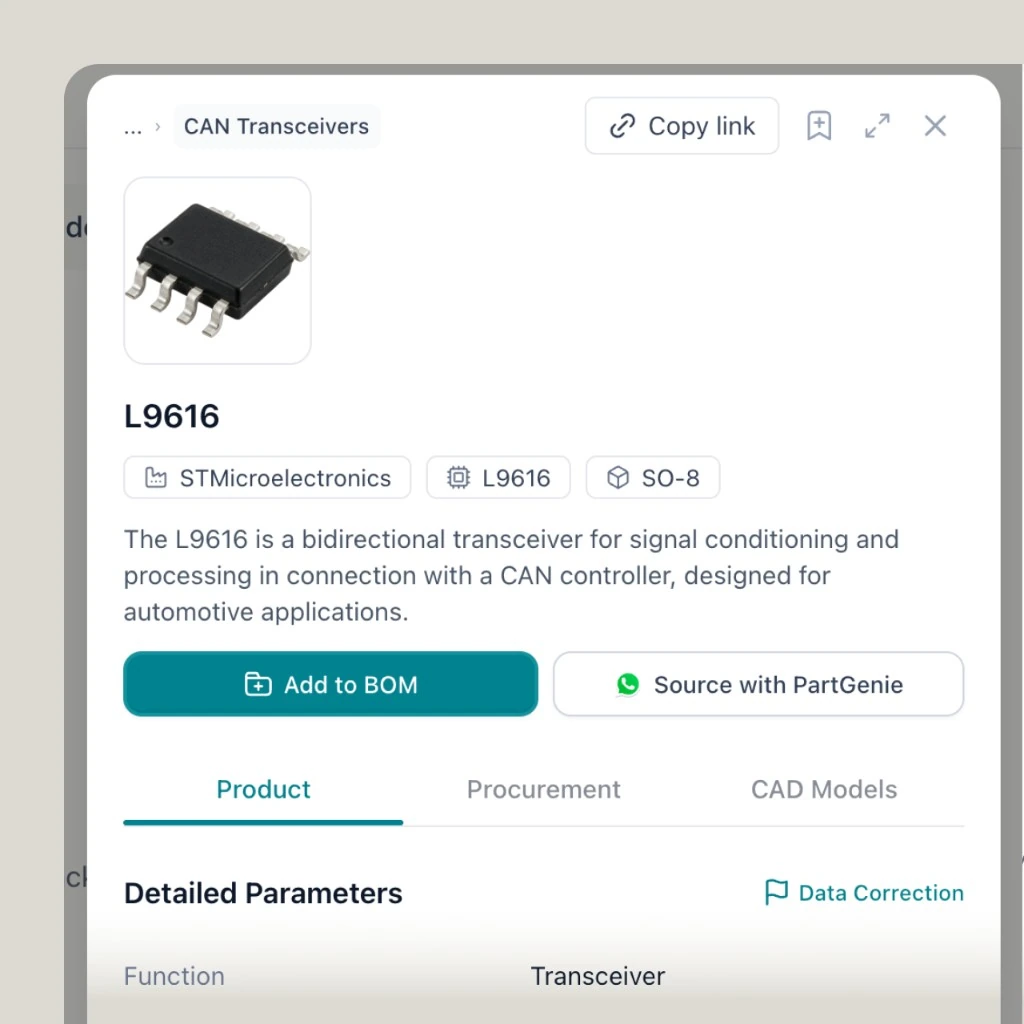
Photo → readable marking → MPN candidates → datasheet or next step. It is a visual entry into PartGenie chat, not a counterfeit lab.
Common discrete and IC markings when the photo is sharp enough to read.
After a candidate MPN appears, continue with Datasheet AI-style questions in chat.
When you already have an MPN, use Alternative Finder for pin/function replacements.
FAQ notes may mention typical marking patterns and grey-market red flags. PartGenie does not certify genuine parts.
“This is a game changer for electronics professional. The BOM feature was the best!”

“PartGenie precisely analyzes my customers' complex needs and instantly generates complete, viable hardware solutions. This analytical power, coupled with its ability to suggest a preliminary BOM, saves me days of work.”

Upload a chip photo and continue in PartGenie chat.