We are officially LIVE! 🎉 Use code PGPH50 for 50% OFF Your  Pro
Tools
AI Alternative Finder
AI Component Finder
Datasheet AI
BOM Analyzer
Pricing
Compare
PartGenie vs Octopart
PartGenie vs Findchips
PartGenie vs Alldatasheet
Resources
Help centerChangelog
Language
English
German
Dashboard
Sign in
AI Datasheet Assistant

Chat with Electronic Component Datasheets

Upload a datasheet PDF or ask about a component. PartGenie helps extract specifications, verify technical details, and surface design risks in minutes.

User ratingUser ratingUser ratingUser ratingUser rating
5-star rating
4.9
Used by 300+ engineers and sourcing teams

Powered by 22M+ Parts from 7,700+ Manufacturers

How It Works

Upload a datasheet or open a component

Start by uploading a datasheet PDF, entering a part number, or opening a component from Part Finder or Alternative Finder. PartGenie connects the datasheet to the component context.
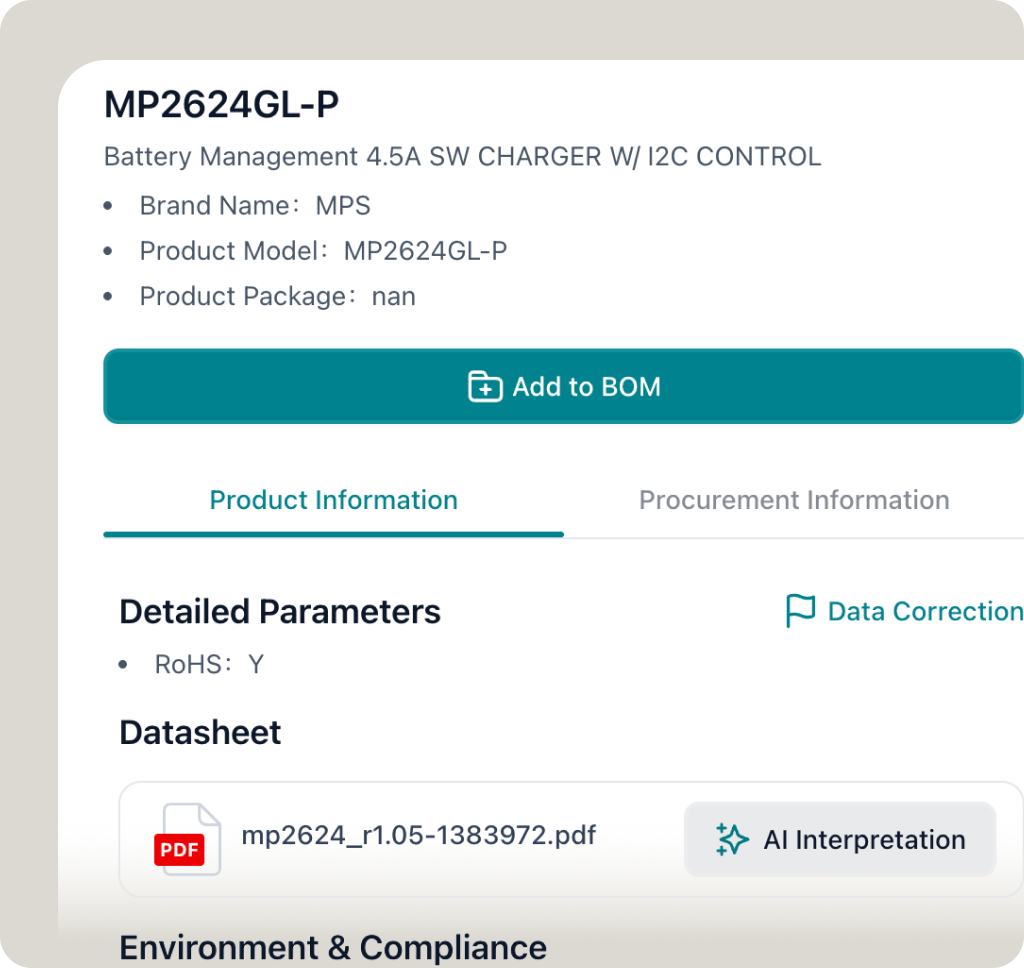
Chat with the datasheet about specs, pinout, package, interface, thermal limits, application circuits, operating conditions, or replacement risks.
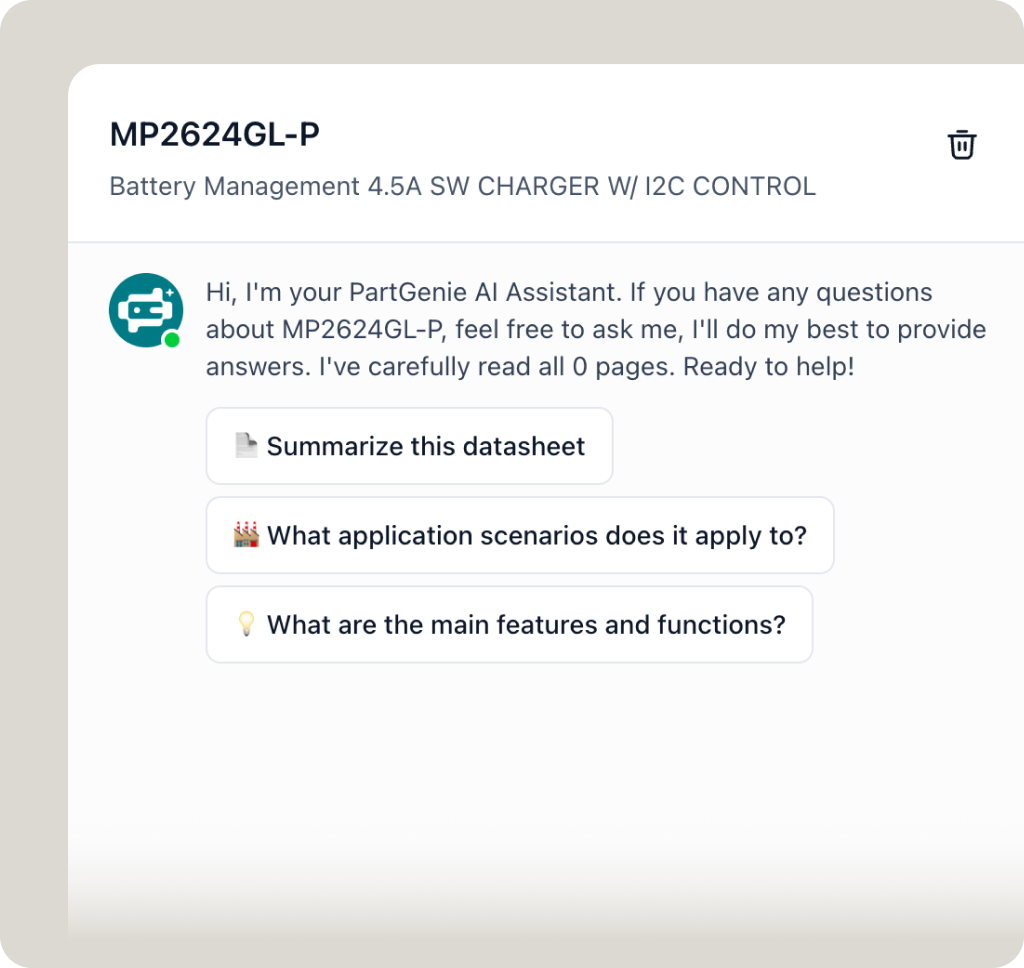
Ask questions in plain language
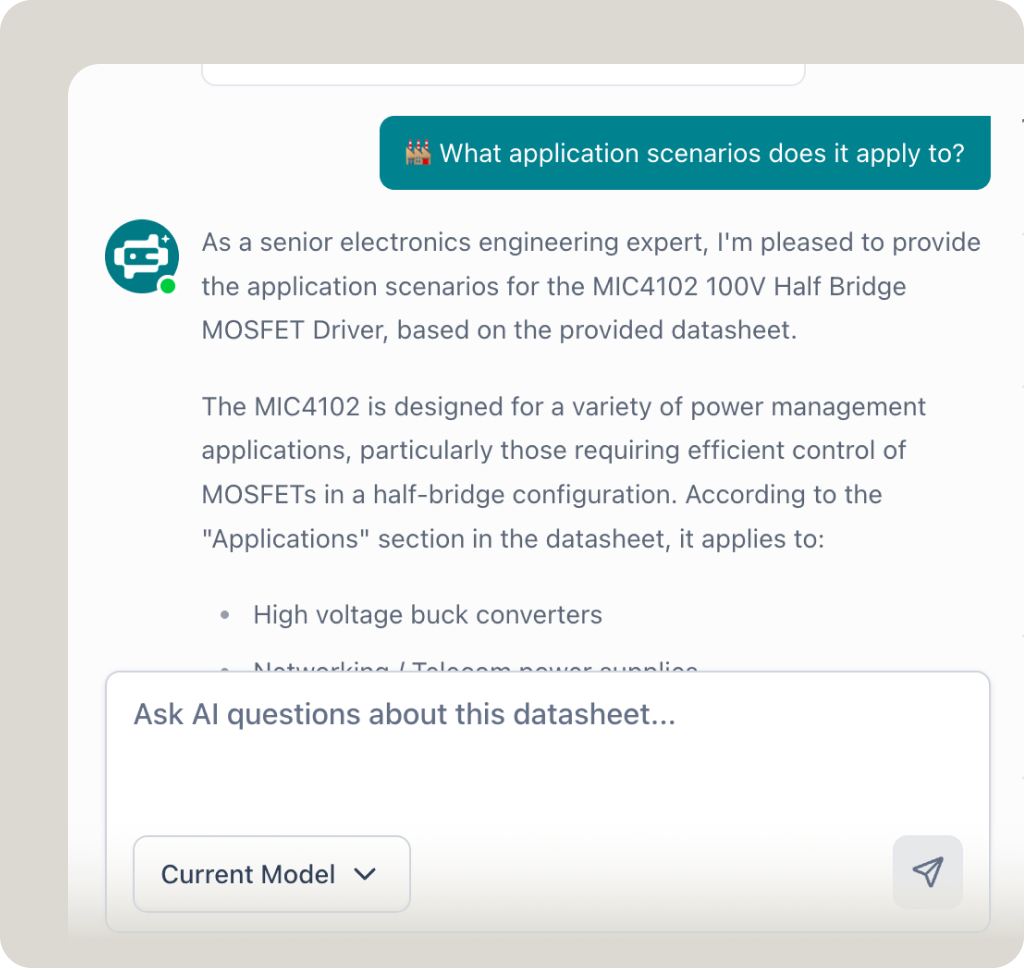
Review extracted answers and risks

PartGenie summarizes the answer, extracts relevant specifications, and flags datasheet details that should be verified before design, sourcing, or replacement decisions.
Use Cases
Built for Datasheet Review Workflows

For Engineering

For Design Engineers

For Distributor Sales

For Procurement

Verify technical details before using a component in a design.

Check voltage, current, and thermal limits

Flag items needing datasheet review

Prepare clearer customer notes

Try PartGenie

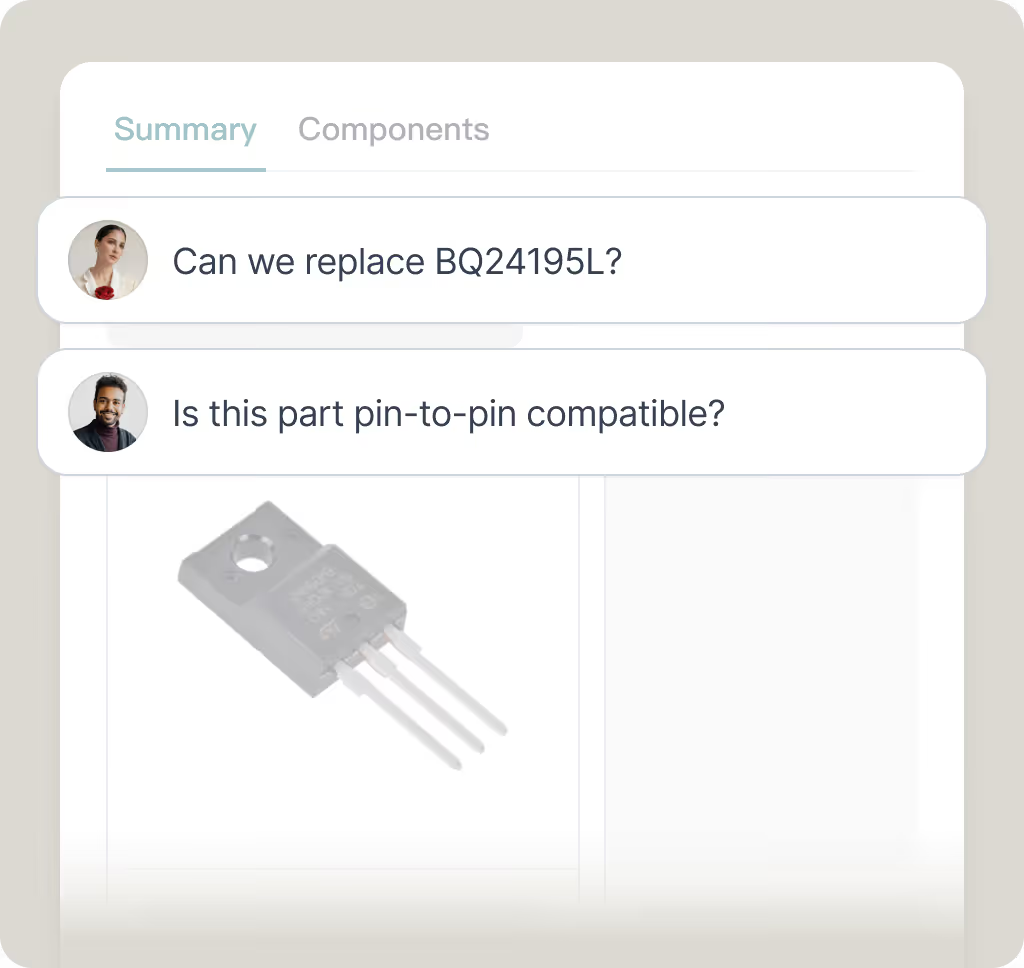
Review alternatives before changing a design

Compare key electrical specs

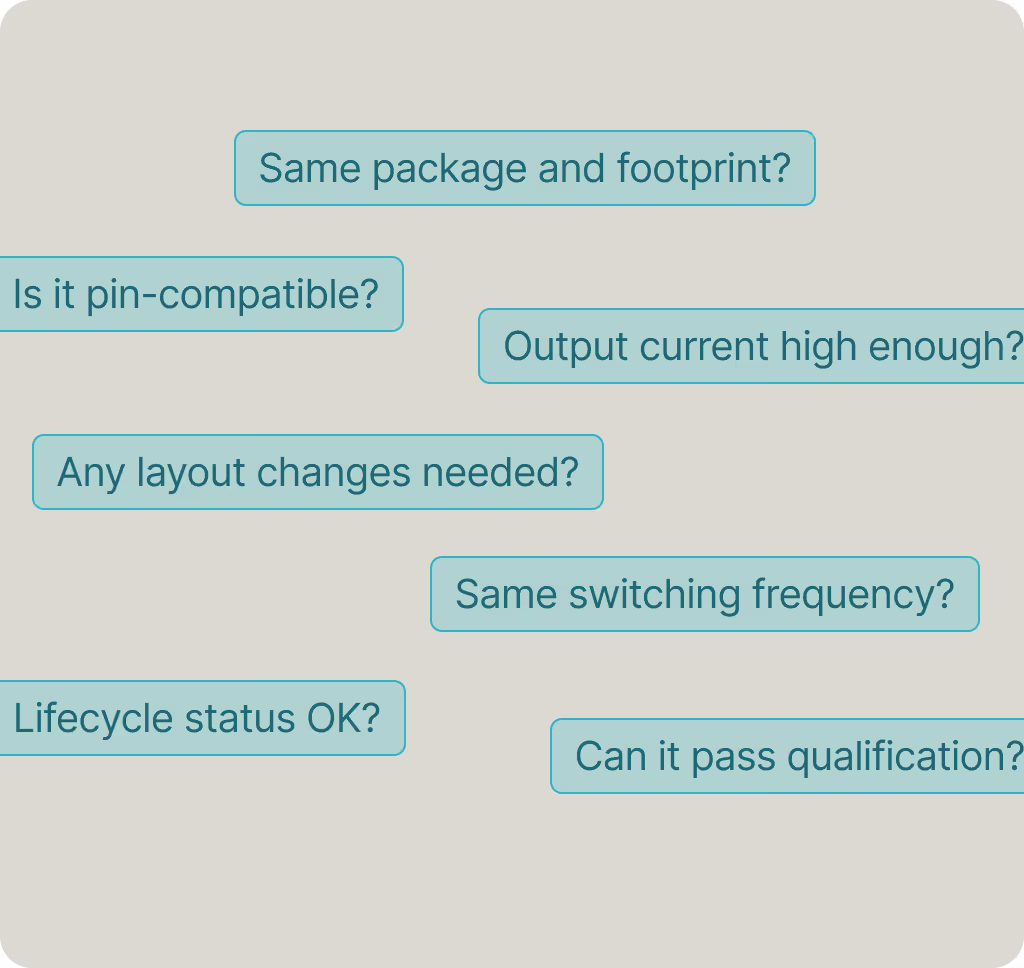
Check pin-compatible replacements

Check package and pinout risks

Shortlist parts before redesign

Try PartGenie

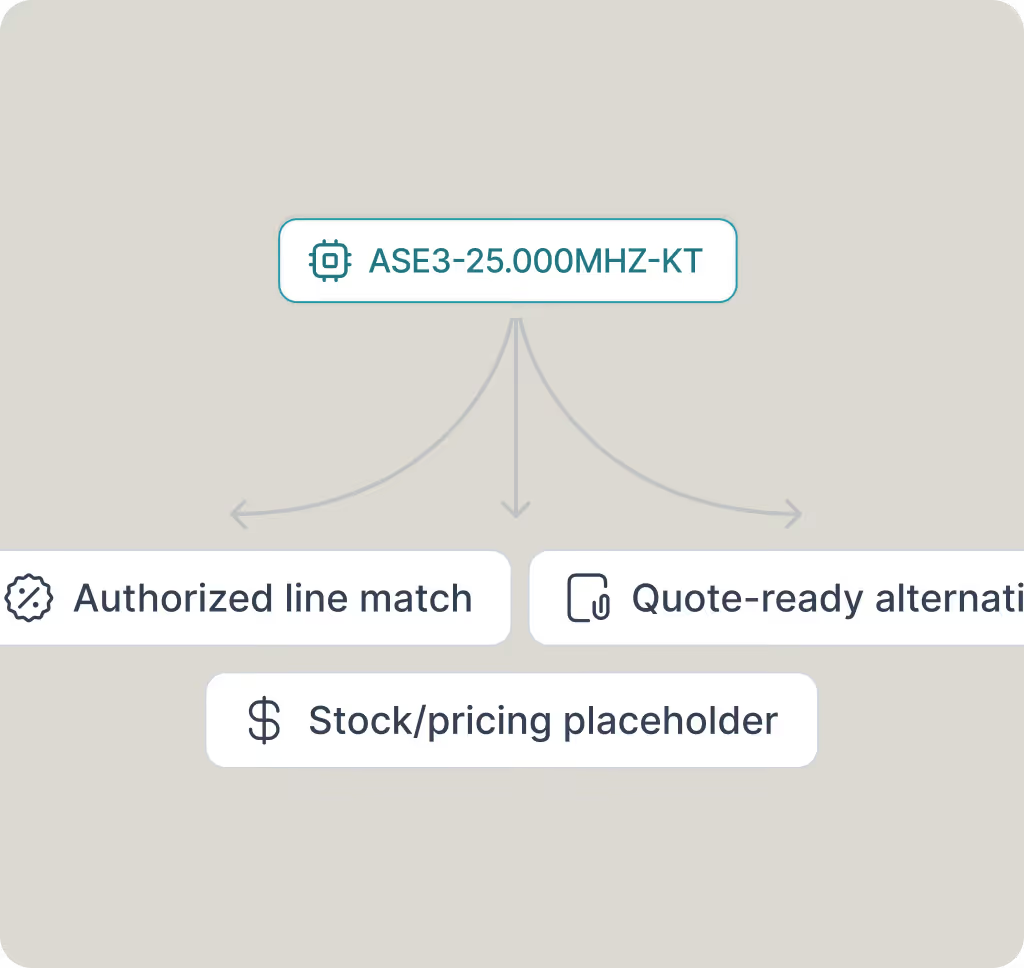
Turn competitor part numbers into line-card opportunities

Prioritize authorized manufacturers

Find quote-ready alternatives

Spot follow-up opportunities

Try PartGenie

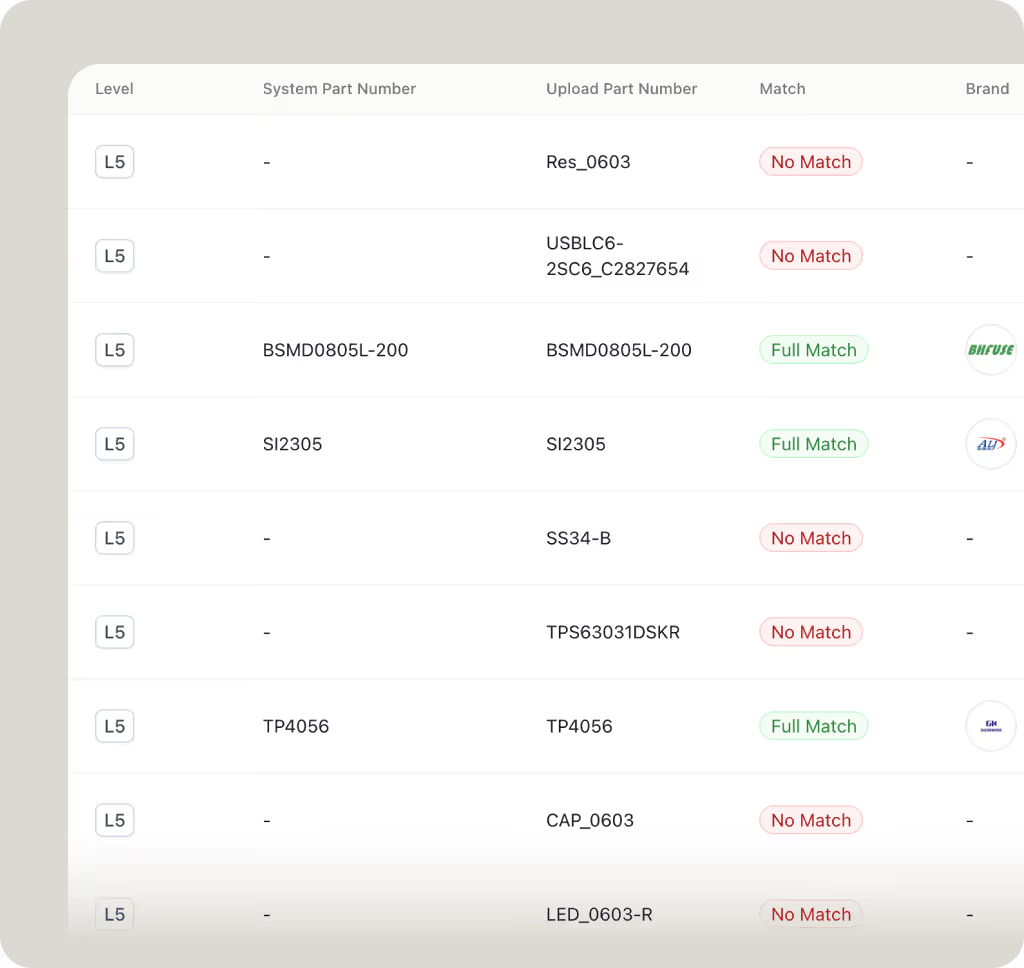
Analyze BOM rows and surface replacement opportunities

Detect competitor parts

Find missing specifications

Route risky items to FAE review

Try PartGenie

Datasheet AI Capabilities

Extract electrical ratings, package details, interface support, temperature range, and application parameters from datasheets.
Pinout Review

Check pin functions, package notes, exposed pad requirements, and potential footprint differences.

Spec Extraction

Extract electrical ratings, package details, interface support, temperature range, and application parameters from datasheets.

Design Warnings

Surface thermal limits, layout notes, external component requirements, and operating-condition risks.

Replacement Support

Use datasheet evidence to review whether a component is an exact match, pin-compatible option, or functional alternative.

Real Stories from PartGenie Users

"This is a game changer for electronics professional. The BOM feature was the best!"

JC, Chan
Quality Engineering Manager

“PartGenie precisely analyzes my customers' complex needs and instantly generates complete, viable hardware solutions. This analytical power, coupled with its ability to suggest a preliminary BOM, saves me days of work.”

Jeffery Tang
Senior Field Application Engineer

FAQs

Can I upload a datasheet PDF?

Yes. You can upload an electronic component datasheet PDF and ask questions about specifications, pinout, package, thermal limits, application circuits, operating conditions, and replacement risks.

Can Datasheet AI help with component replacement?

Yes. Datasheet AI can help review whether a replacement candidate has similar specifications, package details, pin functions, and operating conditions. Final replacement decisions should still be verified by engineering review.

Can I chat with a datasheet using AI?

Yes. PartGenie lets you chat with datasheets in plain language. You can ask about electrical ratings, pin functions, package details, layout notes, thermal limits, and design warnings.

What kinds of questions can I ask a datasheet AI?

You can ask about electrical ratings, operating conditions, pin functions, package options, interface support, layout notes, recommended application circuits, thermal design, and component selection risks.

Can Datasheet AI extract specs from datasheets?

Yes. Datasheet AI can extract key specifications such as voltage, current, temperature range, package, interface, pinout, protection features, recommended operating conditions, and absolute maximum ratings.

Is Datasheet AI free to try?

You can try PartGenie's Datasheet AI for free to ask initial questions, extract specs from datasheets, and review technical answers. Advanced workflows such as saved projects, BOM analysis, exports, and deeper follow-up questions may require signing in.

What is Datasheet AI?

Datasheet AI is an AI tool that helps engineers read electronic component datasheets, extract specifications, answer technical questions, and review design risks from PDF datasheets.

Does Datasheet AI replace manual datasheet review?

No. Datasheet AI accelerates datasheet reading and technical review, but engineers should still verify critical parameters against the original datasheet before production use.

Ready to build?

Join our growing community of engineers and procurement professionals
Get started for free
Join our newsletter to stay up to date on features and releases.
Subscribe
By subscribing you agree to with our Privacy Policy and provide consent to receive updates from our company.
Thank you! Your submission has been received!
Oops! Something went wrong while submitting the form.
Product
FeaturesPricingChangelog
Tools
AI Component FinderAlternative FinderBOM AnalyzerDatasheet AI
Resource
Help CenterTalk to UsBook a demo
Best Practice
How to Write AI-Understandable QueriesFrom Fuzzy Intent to Precise SolutionsElectronics Search Optimization TipsEffective BOM Management Best Practices
© 2026 PartGenie. All rights reserved.
Privacy PolicyTerms of ServiceCookies Settings