.avif)
.avif)
.avif)
.avif)
.avif)
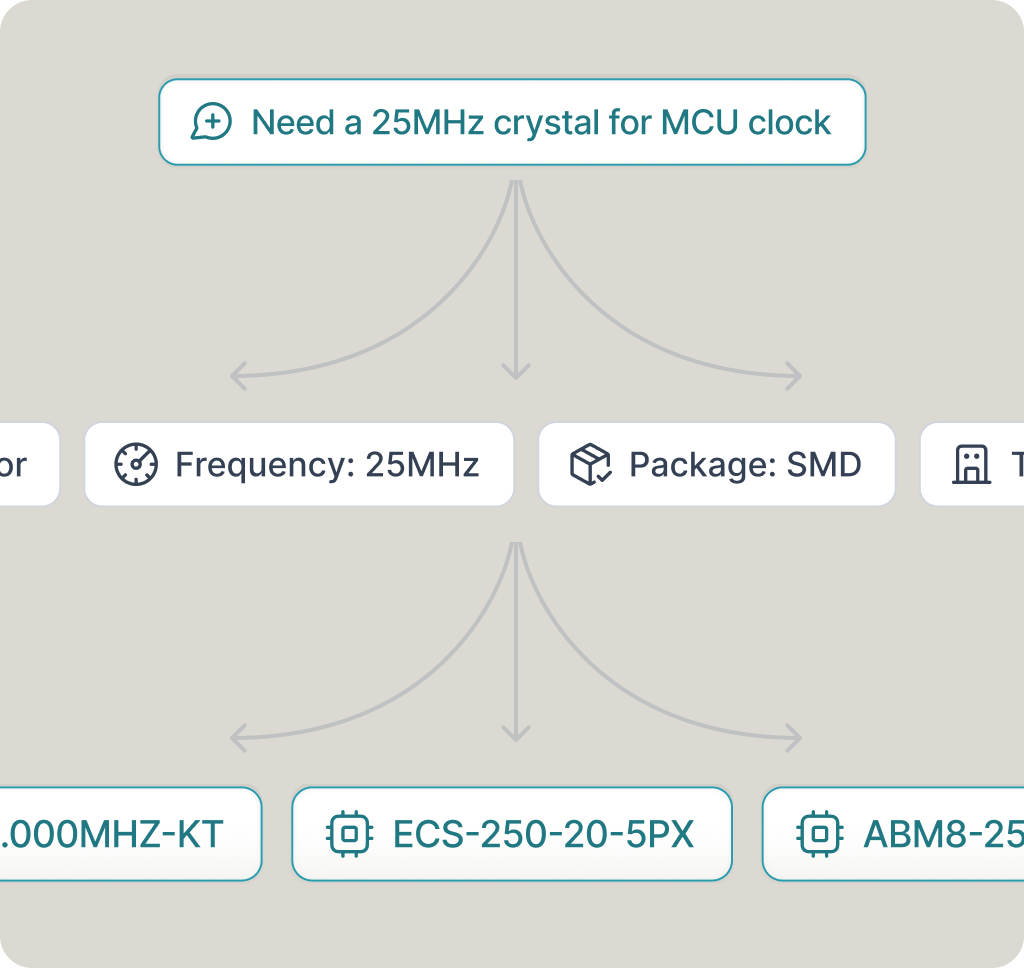
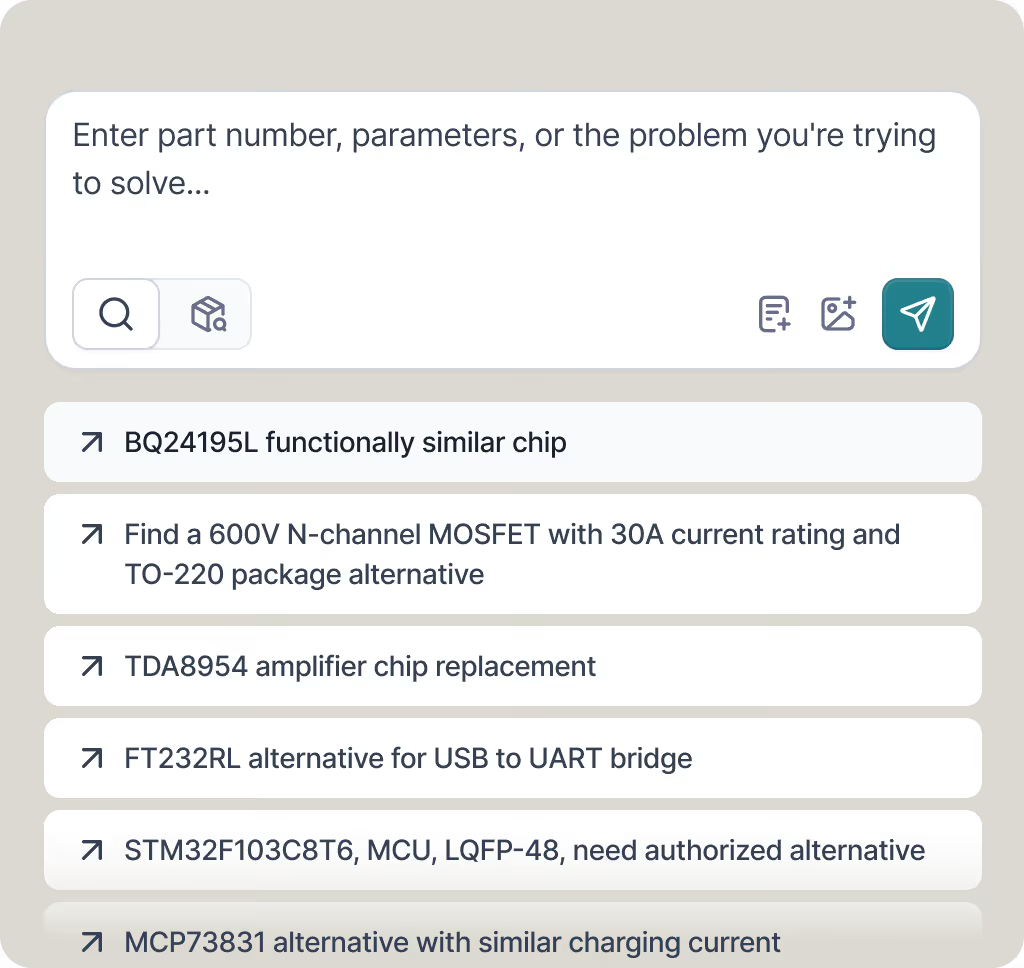
Enter a part number
Paste an MPN. PartGenie resolves it in a 22M+ component catalog and locks the manufacturer, package, and datasheet before generation starts.

KiCad Library Generator
Enter an MPN. PartGenie builds a KiCad 8 symbol, footprint, and 3D model, then runs a machine import check before download. Review before production.

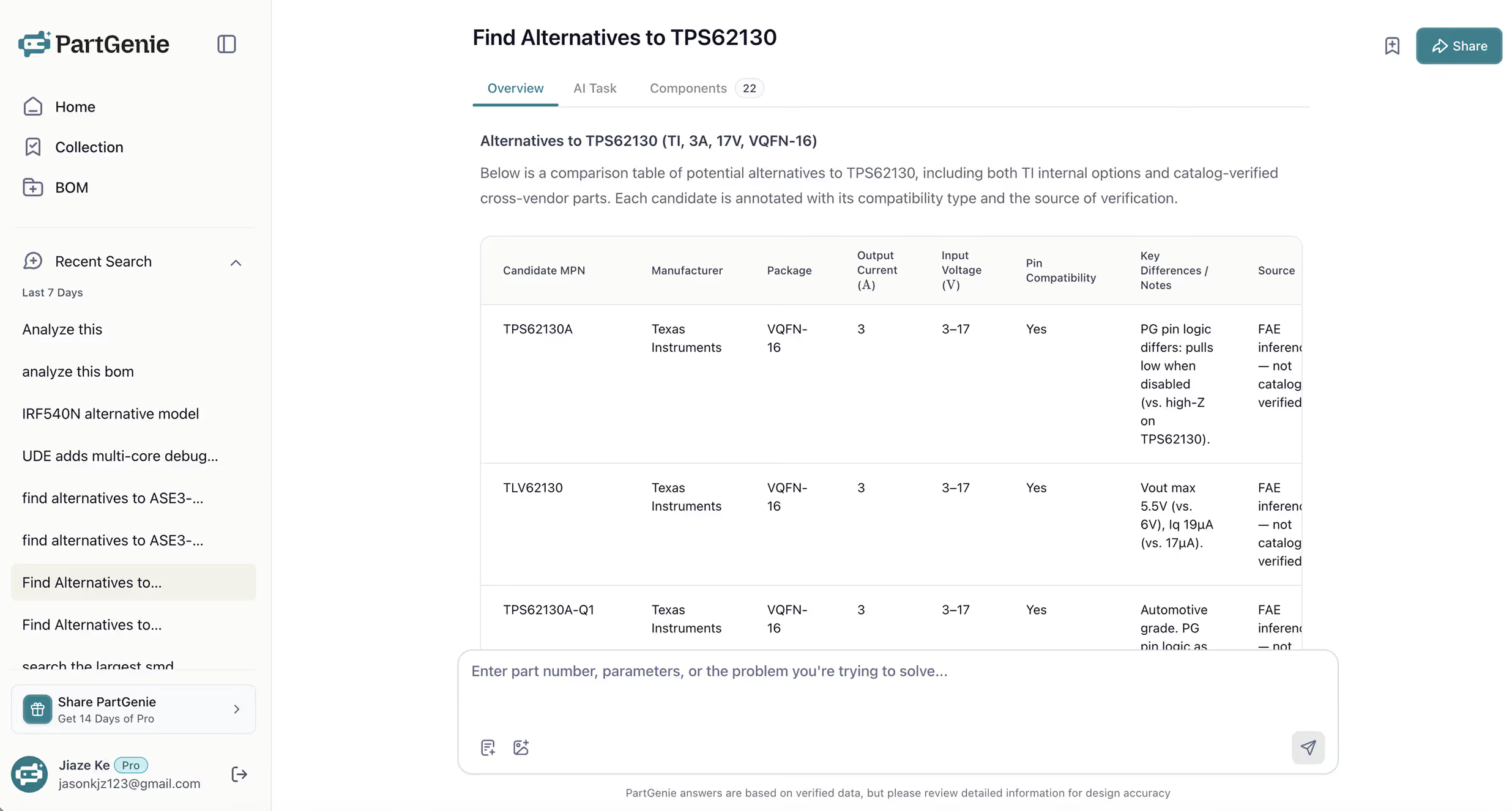




Paste an MPN. PartGenie resolves it in a 22M+ component catalog and locks the manufacturer, package, and datasheet before generation starts.
PartGenie builds a KiCad 8 symbol (.kicad_sym), footprint (.kicad_mod), and 3D model from the datasheet and package — not a guessed library part.
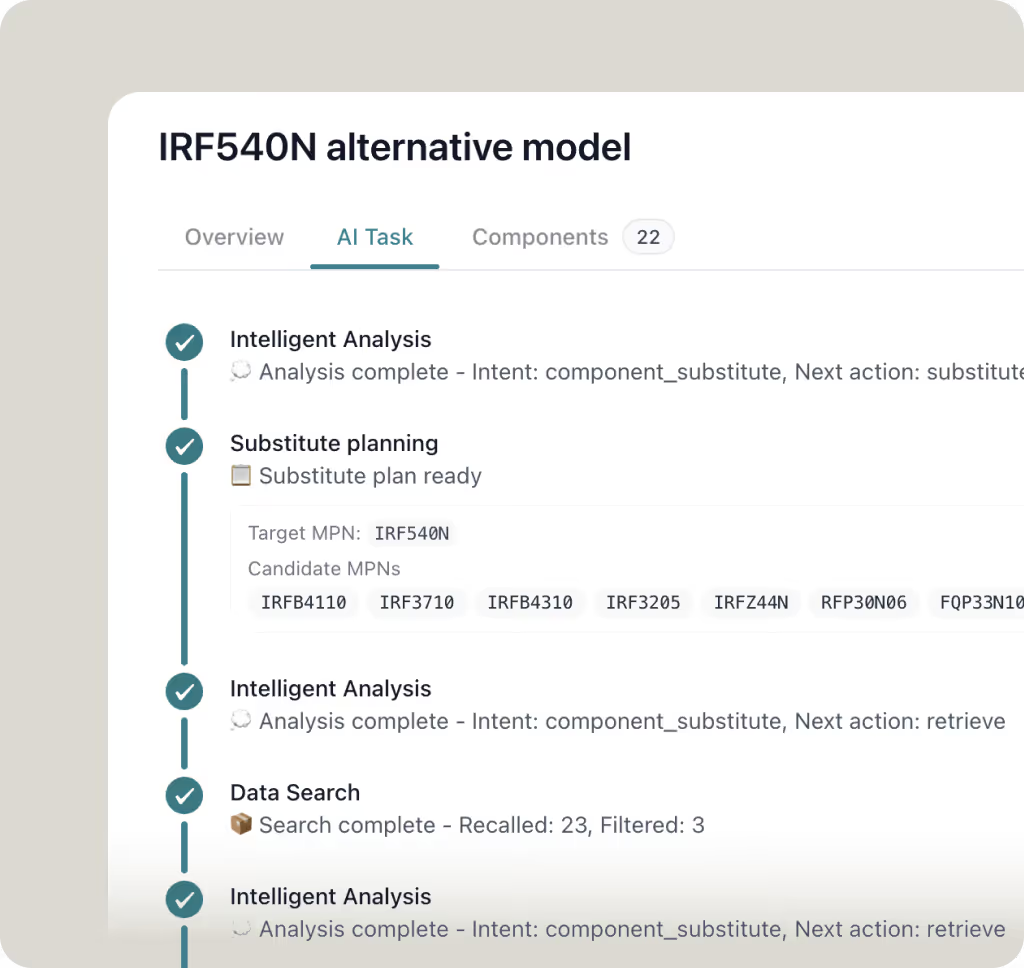
A machine check imports the library into KiCad before you download. Review the symbol, footprint, and 3D model before production.
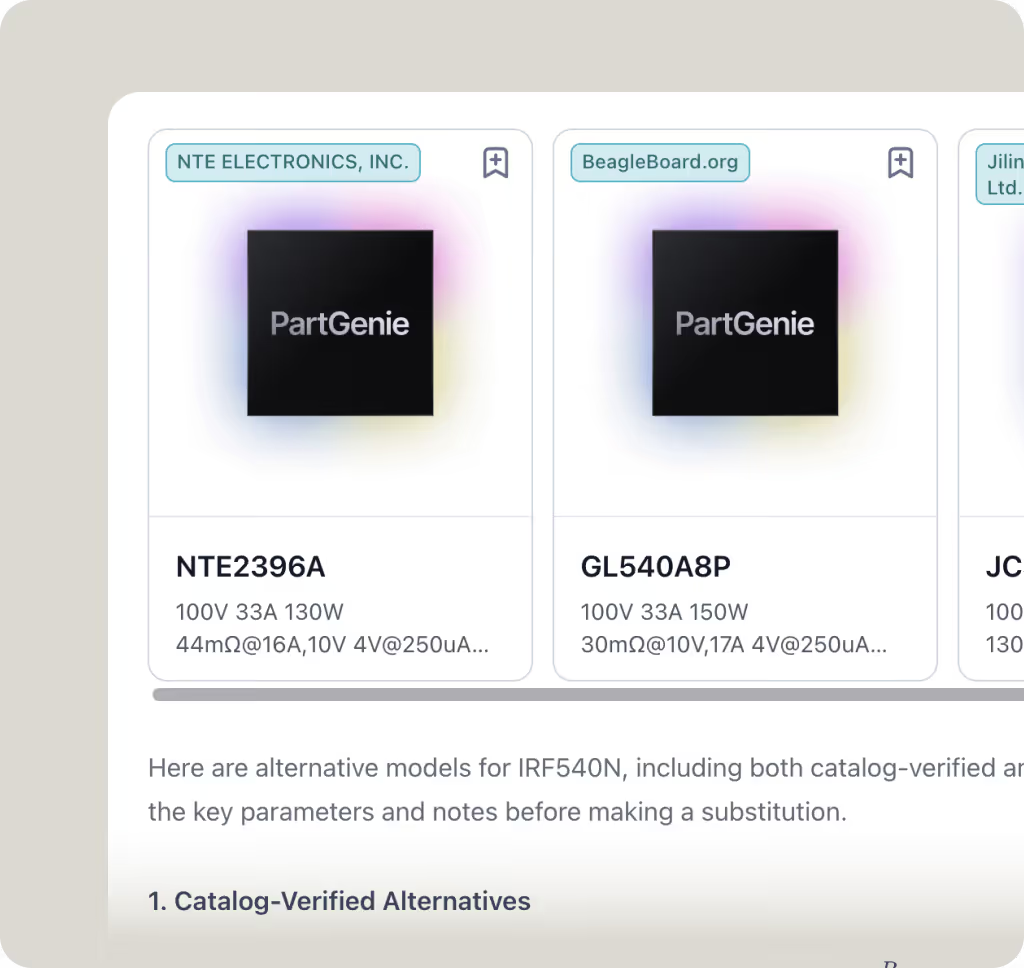
Use Cases
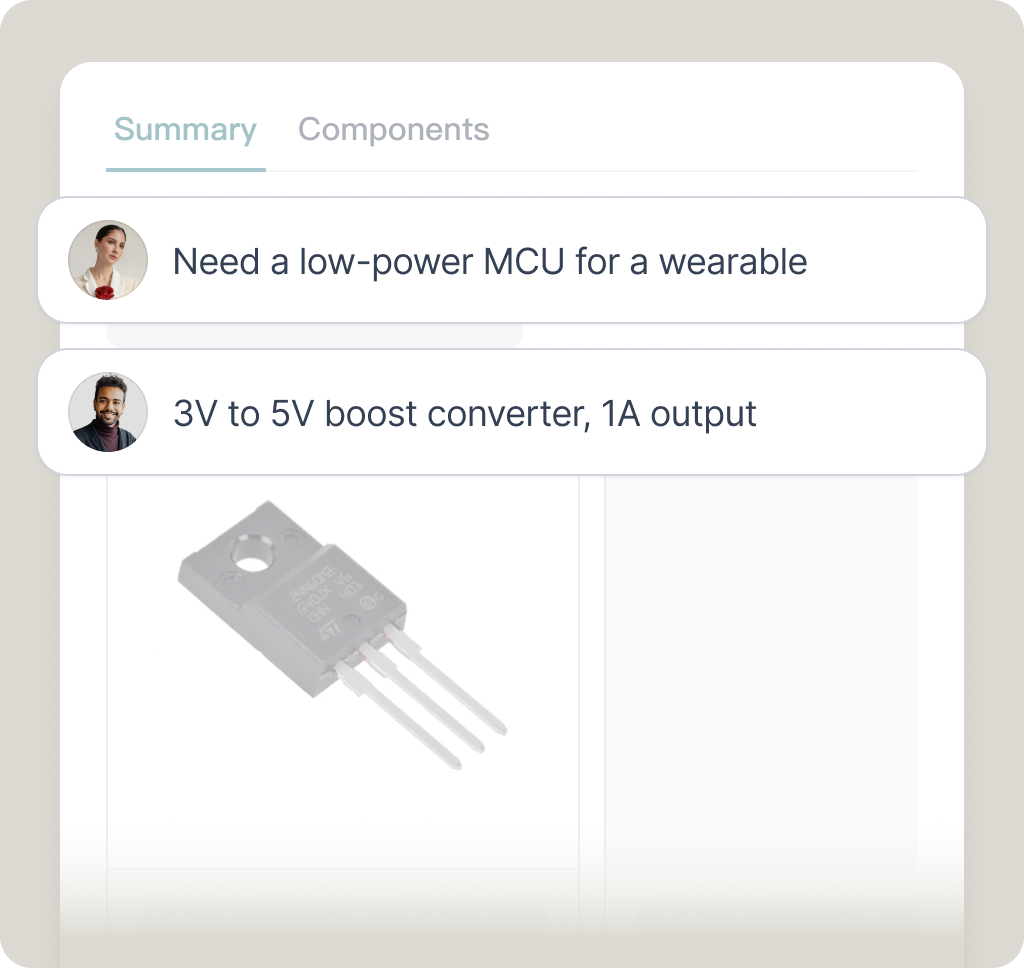
Symbol, footprint, and 3D model for KiCad 8 — generated from the part, then checked before download
A symbol for the specific MPN, with pins taken from the datasheet rather than a generic logic shape.
A footprint built from the package so pad geometry follows the part you are buying.
A 3D model that sits with the footprint so you can check height and courtyard in the board view.
PartGenie imports the library into KiCad before download. Review the files against the datasheet before production.
“This is a game changer for electronics professional. The BOM feature was the best!”

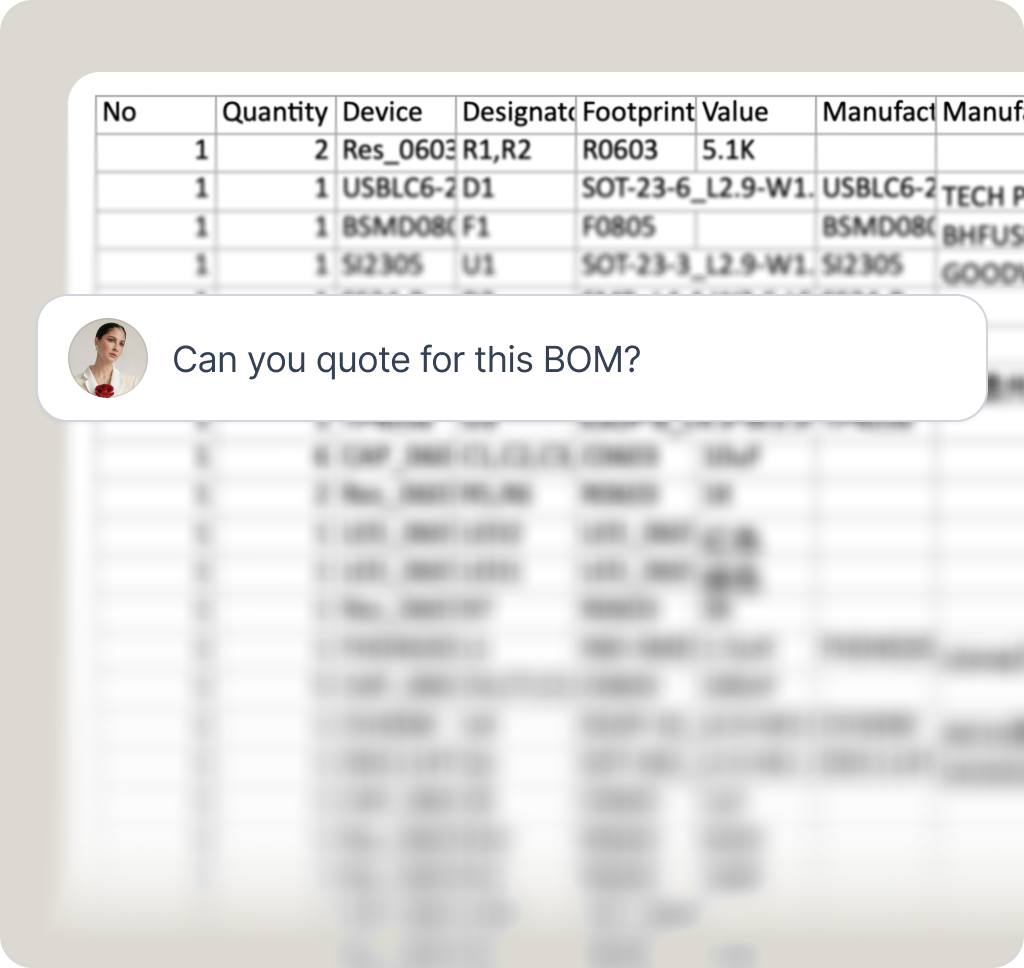
“PartGenie precisely analyzes my customers' complex needs and instantly generates complete, viable hardware solutions. This analytical power, coupled with its ability to suggest a preliminary BOM, saves me days of work.”

Symbol, footprint, and 3D model — checked before you download